Move with the camera
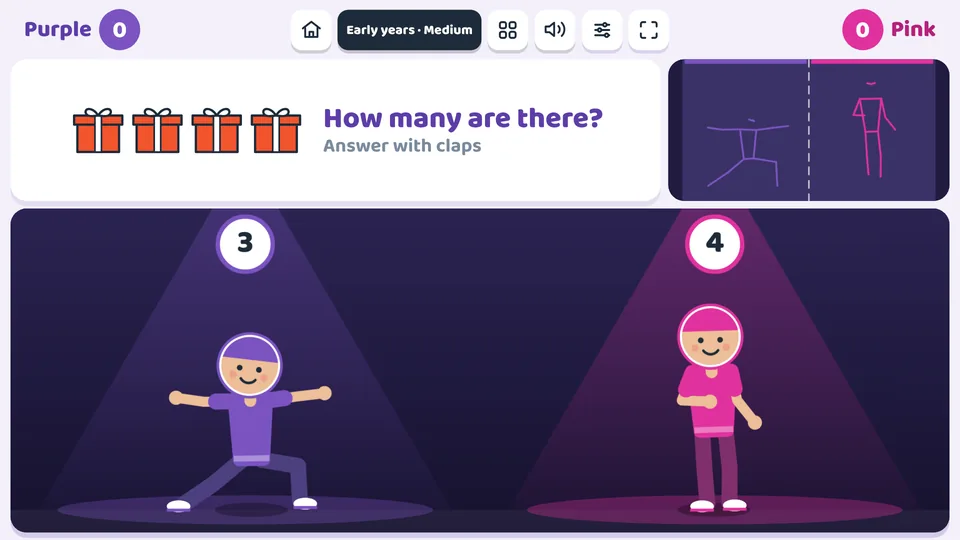
A game for moving in front of the interactive whiteboard’s webcam. Each team puts one child in their spot and has a puppet in their colour on the screen that moves like them: it raises its arms, jumps, crouches and, if you take photos, wears their face. There are four games: answer with claps or jumps (how many, sums, syllables), dance and freeze like statues when the music stops, catch falling things with your hands and pop coloured balloons. The image never leaves the computer.
What children practise
- Counting and matching amounts to numbers, with the whole body
- Adding up to 10 and splitting words into syllables by clapping
- Recognising letters, numbers and syllables
- Body awareness, coordination and movement control
- Recognising and naming colours
- Waiting, listening and stopping in time (statues)
Levels and settings
Answer with your body
An amount of pictures, a sum or a picture with its word appears, and each child answers with as many claps (or jumps) as the answer. The count shows above their puppet; when they stop for a moment, the answer is locked in.
Statues
A song plays and everyone dances. When it stops: statues! Whoever stays still for three seconds wins a star; whoever moves does not. Nor does anyone who did not dance.
Catch with your hands
Balls with numbers, letters or syllables fall in each child’s spot, and they must touch only the right ones with their hands: the number of the amount or the sum, the letter or the first syllable of the picture.
Pop the balloons
Coloured balloons float up through each child’s spot and pop when they are touched with the hands. Either they all count or only the ones in the colour the voice asks for (in Nursery, on the easy level, red, blue, green and yellow). Gold ones are worth 3.
By year
Nursery: counting to 5, 6 or 8 depending on the difficulty, and the vowels; the balls fall more slowly. Y1 and Y2: up to 10, sums up to 10 and all the letters.
How to play it in class
- Choose the game (Answer with your body, Statues, Catch with your hands or Pop the balloons), the topic (counting, adding, syllables, letters or colours) and how many teams play, from 1 to 4.
- Press Start. The first time, the browser asks for permission to use the camera. Each team puts one child in their spot, left to right, facing the camera: from the waist up is enough. Above each puppet it says whether they are standing in the right place.
- With Take photos, there is a countdown and each child’s face appears on their puppet. Press Let’s play!
- Every right answer is a star for their team. The first team to reach the game’s points wins.
Ways to play
In teams, at the same time
The screen splits into 2, 3 or 4 and each team plays on its own part at the same time.
For one player
One child plays on the whole screen at their own pace: on the whiteboard, a computer or a tablet.
With the camera
Up to 4 children, one per team, in front of the whiteboard’s webcam. Each one sees their puppet on the screen and wins stars for their team. All the camera games
Frequently asked questions
What do I need to play?
A webcam on the whiteboard, panel or computer (the one built into many screens works) and an up-to-date Chrome or Edge. The children stand in front of it, facing it: from the waist up is enough, their feet don’t need to be in view.
Are the camera images saved?
No. The image is looked at on the computer itself and is never saved or sent anywhere. The face photos only live in the page and are deleted when it is closed.
How many children play at once?
From 1 to 4, one per team, each in their own spot on the screen. The others watch, count and take turns.
Is it free?
You can play 5 free games without signing up. After that, a one-off payment of €9.99 unlocks all 101 games for ever, on all your devices. There is no subscription.
Do I need to install anything?
No. It opens in the browser of the interactive whiteboard, panel, computer, tablet or iPad. Once loaded, it also works offline.
More Music games
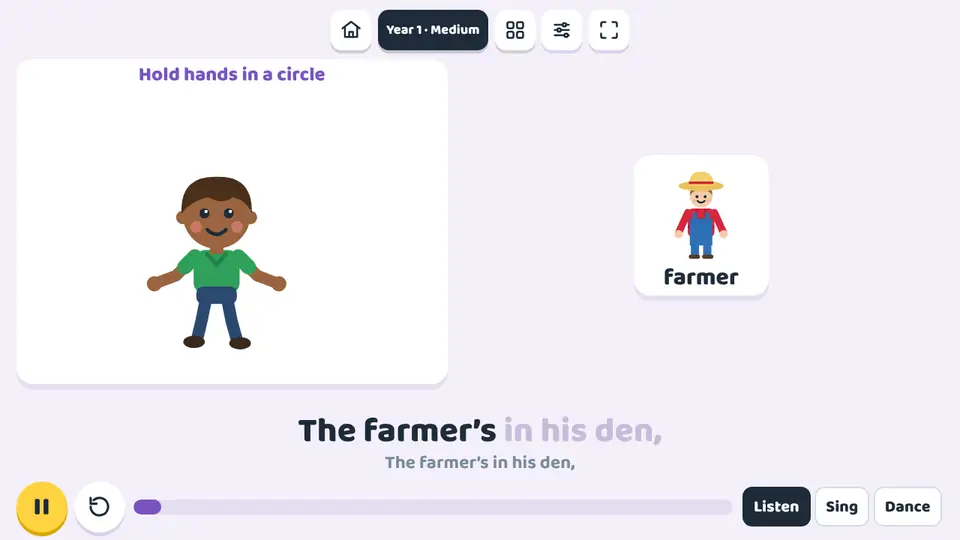 Sing and danceTwo kinds of songs.
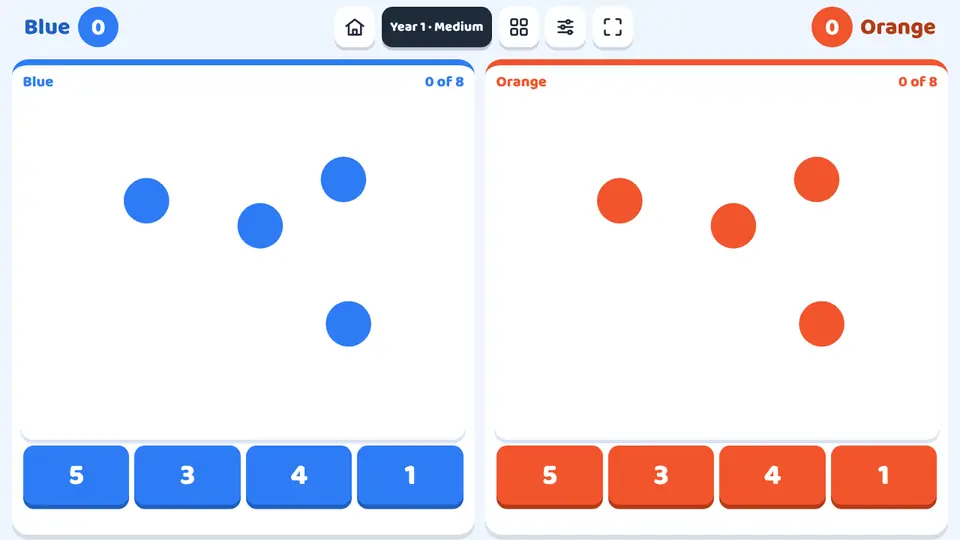 How many are there?How many are there?
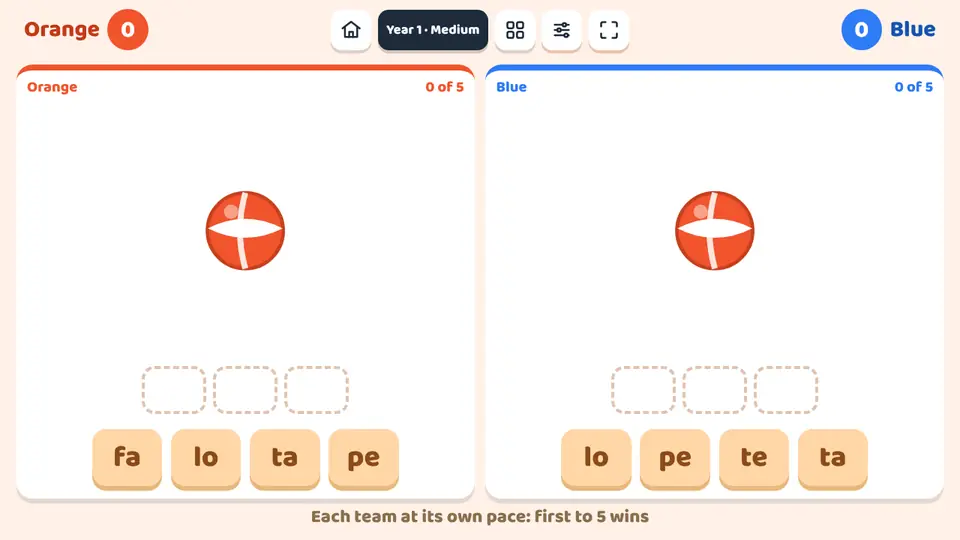 Sílabas saltarinasA picture, or a written clue, appears with its syllables jumbled up.
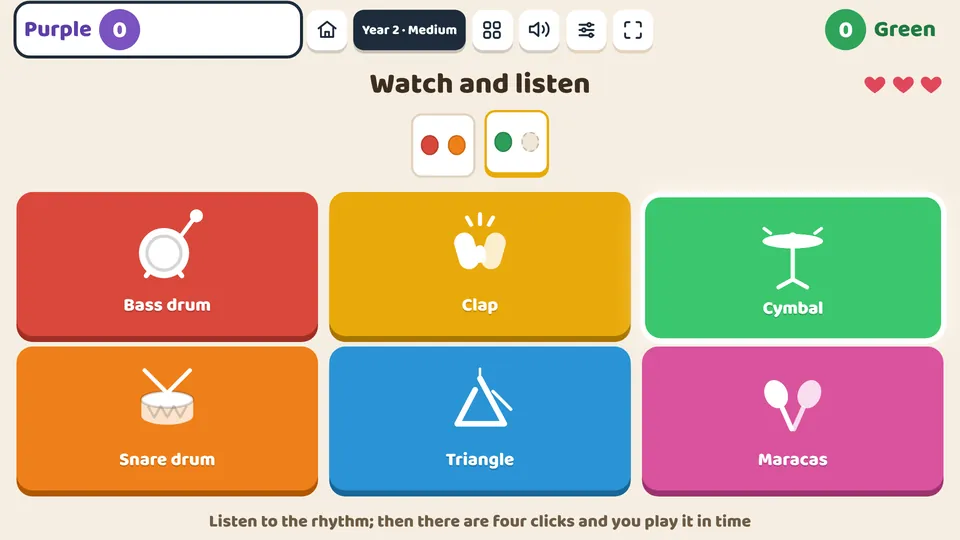 Rhythm padsA drum machine for music lessons on the interactive whiteboard or tablet: bass drum, clapping, cymbal, snare drum, triangle, maracas, claves and tambourine, each on a big coloured pad.
Move with the camera
Play now