Blank whiteboard
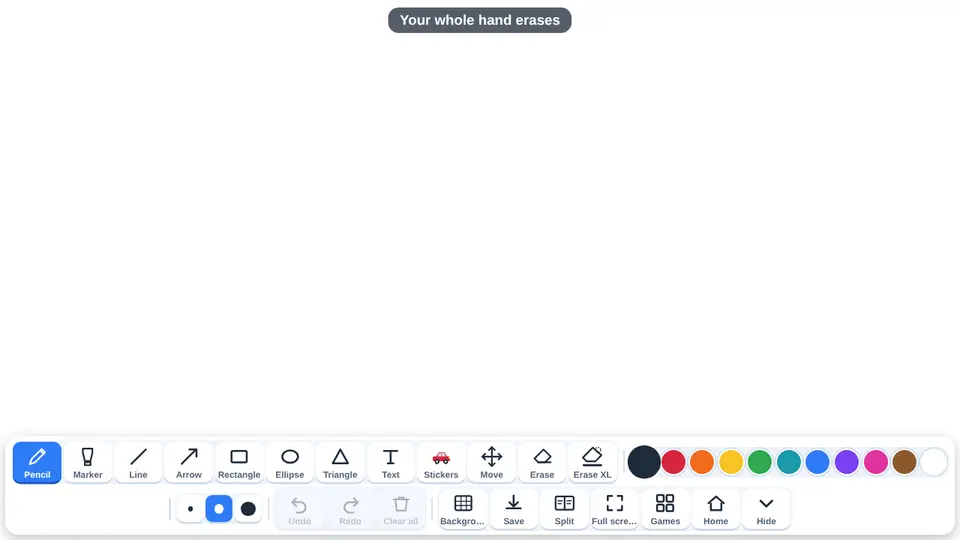
The blank whiteboard is a free classroom tool, not one of the games: a canvas for writing and drawing on the interactive whiteboard, an interactive panel or a tablet. It needs no account and does not use up any free games. Several children can draw at once, each finger with its own line, and the Split button divides the screen into two complete boards.
What children practise
- Large-scale pre-writing and fine motor practice: free lines and curves with a finger.
- Writing letters and numbers on lined, grid or dotted backgrounds.
- Drawing 2D shapes: rectangle, ellipse, triangle, lines and arrows.
- Showing amounts and problems with stickers that can be moved.
- Explaining their thinking out loud while drawing in front of the class.
- Working in pairs with two separate boards on one screen.
Levels and settings
One board
Pencil, marker, line, arrow, rectangle, ellipse, triangle with or without fill, and text. Eleven colours, three thicknesses and unlimited undo.
Split
Two full boards, one on each half, each with its own toolbar, background and undo. Neither can erase the other.
Backgrounds and stickers
White, grid, lined, dots, green board or black, plus 65 stickers in ten drawers that can be moved and resized.
How to use it in class
- Open it from the button on the home page, the top bar or the menu inside any game.
- Choose the background: lined for writing, grid or dots for numbers and shapes, green board or black.
- Pick a tool, a colour and a thickness. Every button has its name underneath.
- Erase with Erase, Erase XL or a whole flat hand, and save the result as a PNG image.
Frequently asked questions
Can several children draw at the same time?
Yes. Each finger draws its own line. With Split, each half is a complete board and nobody can erase the other child's work.
Does a hand rub things out?
Yes, a whole flat hand erases, just like on a chalkboard. If it gets in the way, turn it off under Background with Erase with the whole hand.
Can we save what we made?
Yes. The Save button downloads the board as a PNG image.
Is it free?
Yes. It is free, it does not use up any games and there is no sign-up.
Do I need to install anything?
No. It opens in the browser of the interactive whiteboard, panel, computer, tablet or iPad. Once loaded, it also works offline.
More for the classroom
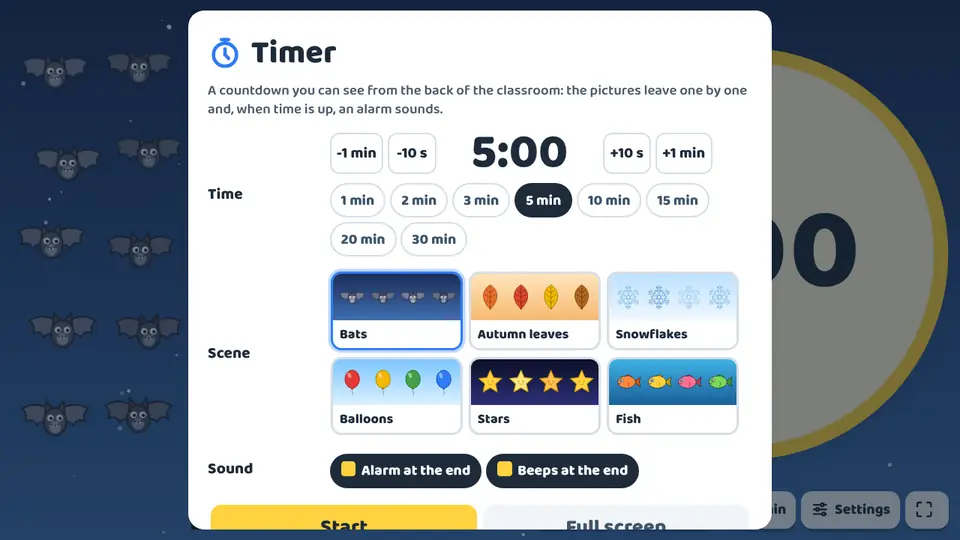 TimerThe timer is a free classroom tool, not one of the games, and it does not use up any free games.
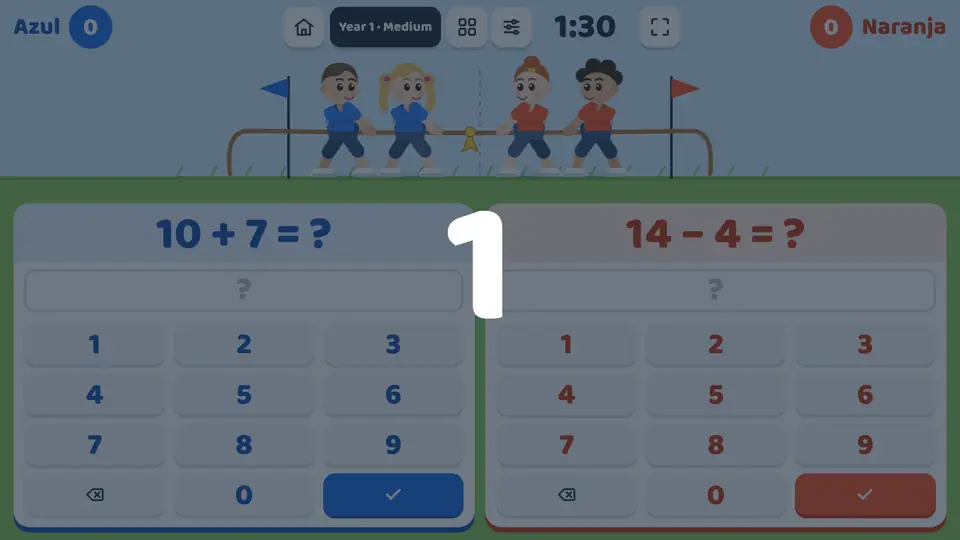 Tug of warA mental maths game for the interactive whiteboard with the screen split in two: each team gets its own number pad and its own calculation.
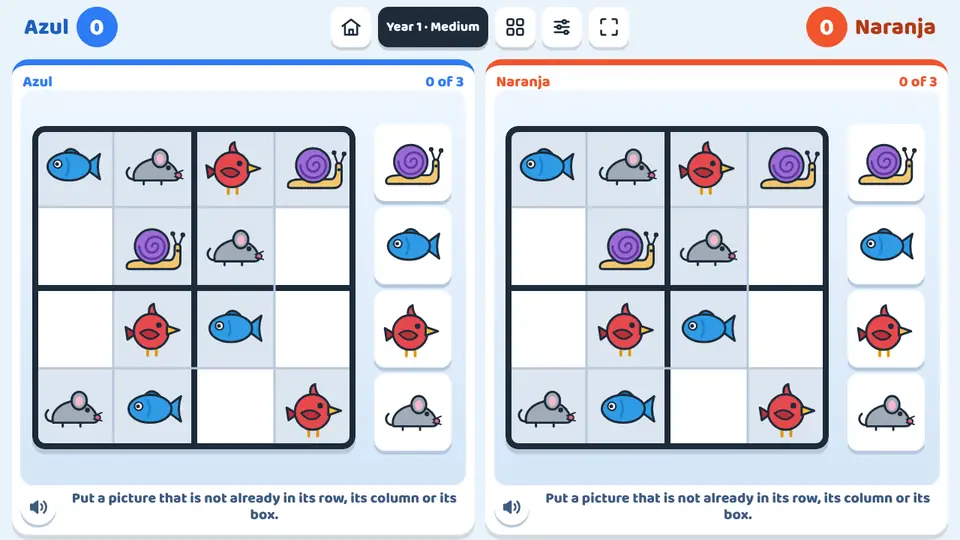 Picture sudokuPicture sudoku is a sudoku made for children: the grid is filled with animals, fruit or colours, as well as numbers.
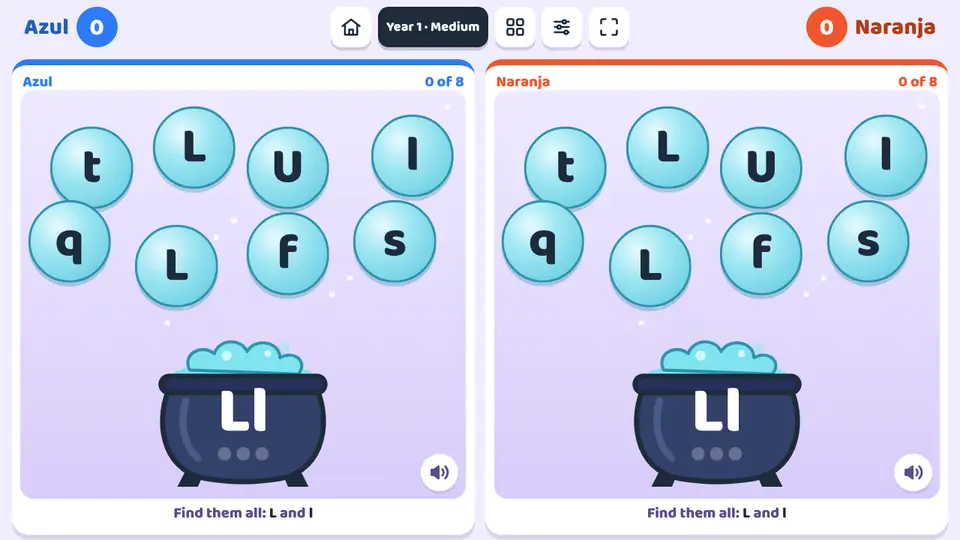 The letter cauldronA letter appears on the cauldron and bubbles with letters float around it.
Blank whiteboard
Open the tool