Draw shapes
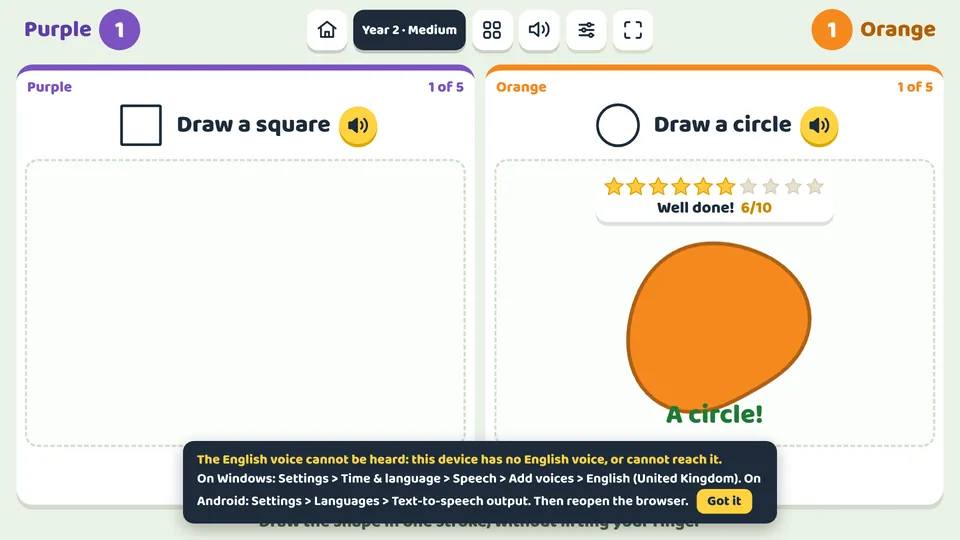
A geometry game for drawing with your finger on the interactive whiteboard or tablet. In the challenge, each team (1 to 4) on its own part of the screen draws the shape asked for in one stroke, and the game recognises it: if it comes out as another shape, it says which one it looks like (“That looks like a square”) and they try again. In early years they also have to choose the colour asked for. In free mode, whatever you close fills with colour, turns into the perfect shape and you hear its name. Each recognised shape gets 1 to 10 stars depending on how well it is drawn: whether the circle is round, whether the sides are straight and equal, whether the corners are real corners and whether it is properly closed.
What children practise
- 2D shapes: circle, oval, square, rectangle, triangle, rhombus, pentagon and hexagon.
- Counting sides and corners to tell which shape it is.
- Telling a square from a rectangle and a circle from an oval.
- Pre-writing skills: one closed, continuous stroke without lifting the finger.
- In early years, colours and their names.
- Geometry vocabulary, heard and written.
Levels and settings
Early years
Circle, square and triangle, with a picture beside them and the voice saying them. At medium and hard difficulty, in the colour asked for too: “Draw a red circle”. A slightly stretched circle is accepted, and any four-cornered shape counts as a square.
Years 1 and 2
First the three basic shapes and then, at medium and hard difficulty, the rectangle, the oval and the rhombus too: children have to notice whether the sides are equal and whether the shape is stretched.
Years 3 and 4
All of them, including the pentagon and the hexagon, which are told apart by counting the corners.
Free mode
A big sheet with eight colours. Whatever you close fills in; with Perfect shapes it turns into the real shape, and with Names you see and hear what it is called.
How to play it in class
- Choose the year and difficulty: which shapes appear and whether there are colours adjust automatically. In More options you can change the shapes, the colours, the stars, the voice and the points.
- Press Start. Each team has its own sheet on its part of the screen, with the shape asked for at the top. From 1 to 4 teams can play at once, or one child alone.
- Draw the shape with your finger, in one stroke, finishing where you started. When you lift your finger, the game recognises it.
- If it comes out as another shape, it says which one it looks like and the stroke is wiped so you can try again; if it is left open or is very small, it says so too.
- Each shape drawn right is a point and gets its stars; then it becomes perfect and the next one appears. The first team to reach the points wins.
Ways to play
In teams, at the same time
The screen splits into 2, 3 or 4 and each team plays on its own part at the same time.
For one player
One child plays on the whole screen at their own pace: on the whiteboard, a computer or a tablet.
Frequently asked questions
How does the game know which shape it is?
It looks at where the stroke turns: if almost all the turning happens at a few corners, it is a polygon with as many sides as corners; if it turns evenly all the way round, it is a circle or an oval, depending on how stretched it is. It does not need the internet.
How does it give the stars?
Once it recognises the shape, it looks at how well it is drawn: whether the stroke follows the shape without wobbling, whether it is as it should be (a round circle, a square with equal sides and right angles) and whether it is properly closed. A carefully drawn shape gets 9 or 10. You can turn them off in More options with No stars.
Can all the teams draw at the same time?
Yes, if the whiteboard or screen is multi-touch: with 2, 3 or 4 teams, each part has its own sheet and follows its own finger.
Can it be played in other languages?
Yes. With the website in Spanish, Catalan, French or German, the shapes are asked for and named in that language, with the voice too.
Is it free?
You can play 5 free games without signing up. After that, a one-off payment of €9.99 unlocks all 100 games for ever, on all your devices. There is no subscription.
Do I need to install anything?
No. It opens in the browser of the interactive whiteboard, panel, computer, tablet or iPad. Once loaded, it also works offline.
More Maths games
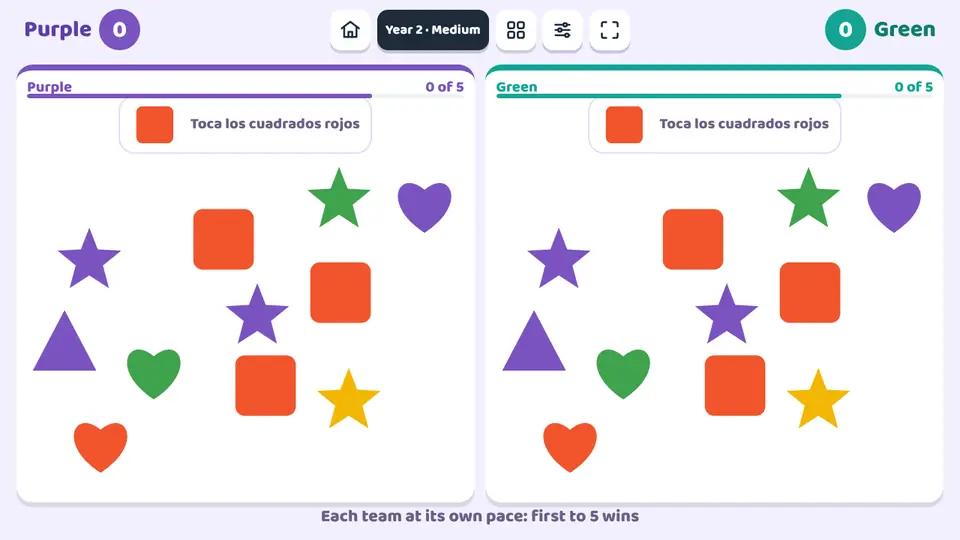 Shape and colour huntShape and colour hunt is a visual discrimination game for the interactive whiteboard or a tablet.
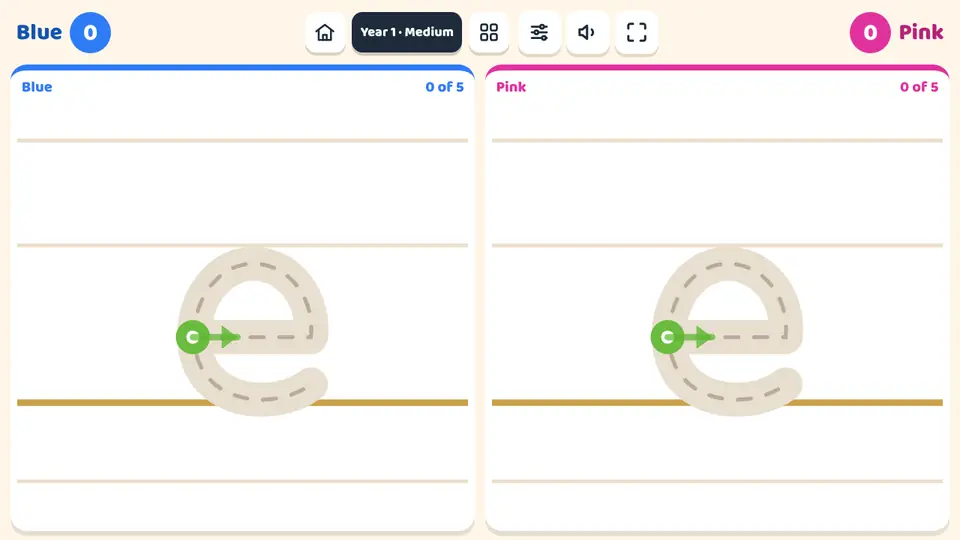 Trazos de letras y númerosA handwriting game for learning to form every letter and number in the right stroke order.
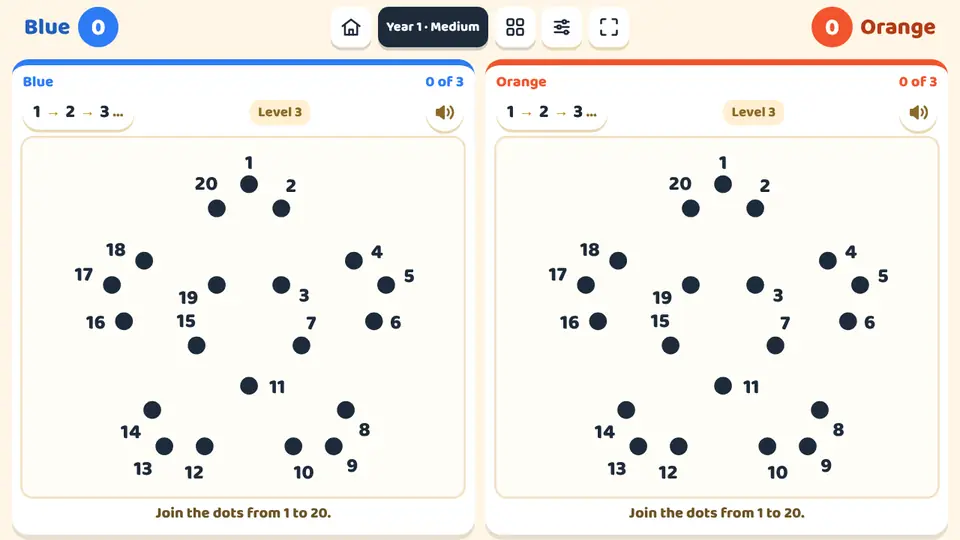 Join the dotsJoin the dots turns the number sequence into a picture.
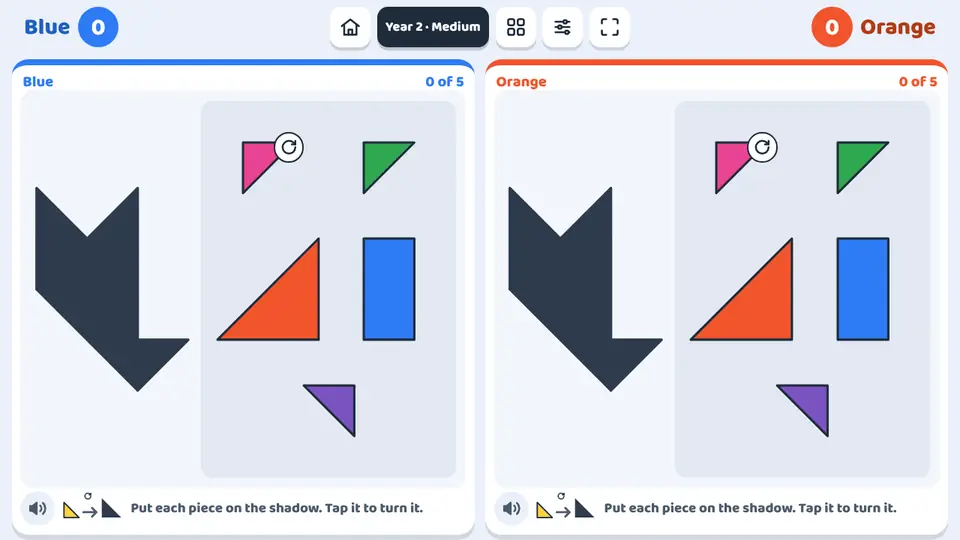 SilhouettesSilhouettes is a geometric shape puzzle, in the style of a tangram, for the interactive whiteboard or a tablet.
Draw shapes
Play now