The lost robot
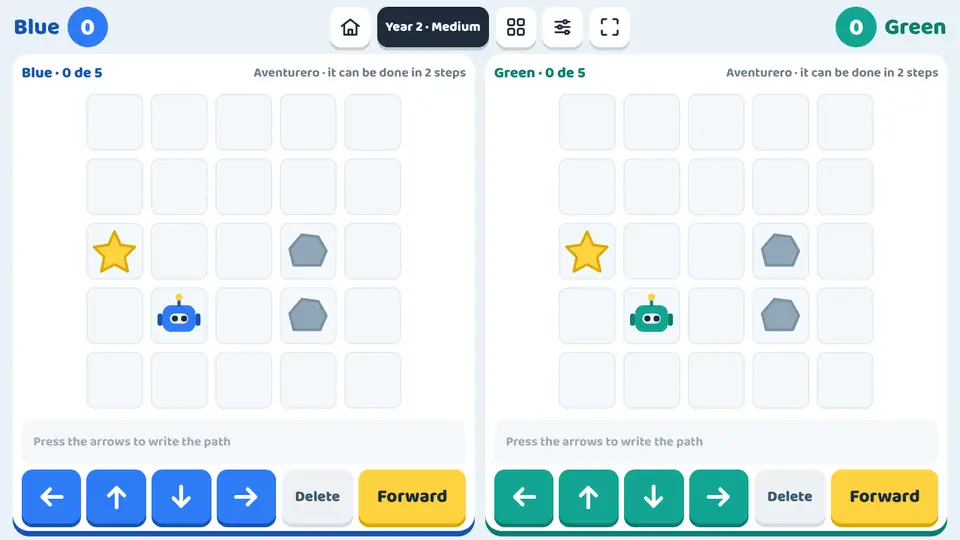
The lost robot is a coding game with no code to type: each team writes its robot's route with arrows and presses Forward to see if it reaches the star. Both teams play at once, each on its own half of the screen, with the same series of grids.
What children practise
- Computational thinking: planning a sequence of instructions before running it.
- Spatial awareness on a grid: up, down, left and right.
- Loops: using repeats (×2, ×3, ×4) to write shorter programs.
- Debugging: finding and fixing the step that makes a program fail.
- Optimising: reaching the goal with the exact number of instructions.
Levels and settings
Explorer
Reach the star by writing the path with arrows.
Adventurer
The same, while avoiding the rocks on the grid.
Programmer
With few blocks: the ×2 button repeats a step to save instructions.
Collector
Pick up the nut before reaching the star.
Expert
Two nuts and an exact number of instructions.
Master
A program arrives with one wrong step: find it and fix it.
How to play it in class
- Open the game and choose the year and difficulty: the challenge, grid and rocks adjust by themselves. You can also pick the challenge by hand.
- Type the team names; for a single player, choose On my own.
- Each team taps the arrows to write the route; tapping a step deletes it. Then press Forward.
- If the robot crashes or falls short, it goes back to the start to be fixed. The first team to collect the stars needed (3, 5 or 8) wins.
Ways to play
In teams, at the same time
The screen splits in two and each team plays on its own half at the same time.
For one player
One child plays on the whole screen at their own pace: on the whiteboard, a computer or a tablet.
Frequently asked questions
Is it suitable for early years?
Yes. Early years play on a 4 x 4 grid with the Explorer and Adventurer challenges, and only need to tap arrows. The help shows how many steps the shortest route takes.
Which challenge comes up in each year?
Years 1-2 go from Explorer to Programmer; Years 3-4, from Adventurer to Collector; and Years 5-6, from Collector to Master on a 6 x 6 grid. Difficulty picks the challenge within the year.
What happens if the robot crashes?
A crash warning appears and the robot returns to the start with the program untouched, so the team can fix it without starting over.
Is it free?
You can play 5 free games without signing up. After that, a one-off payment of €9.99 unlocks all 78 games for ever, on all your devices. There is no subscription.
Do I need to install anything?
No. It opens in the browser of the interactive whiteboard, panel, computer, tablet or iPad. Once loaded, it also works offline.
More Logic and memory games
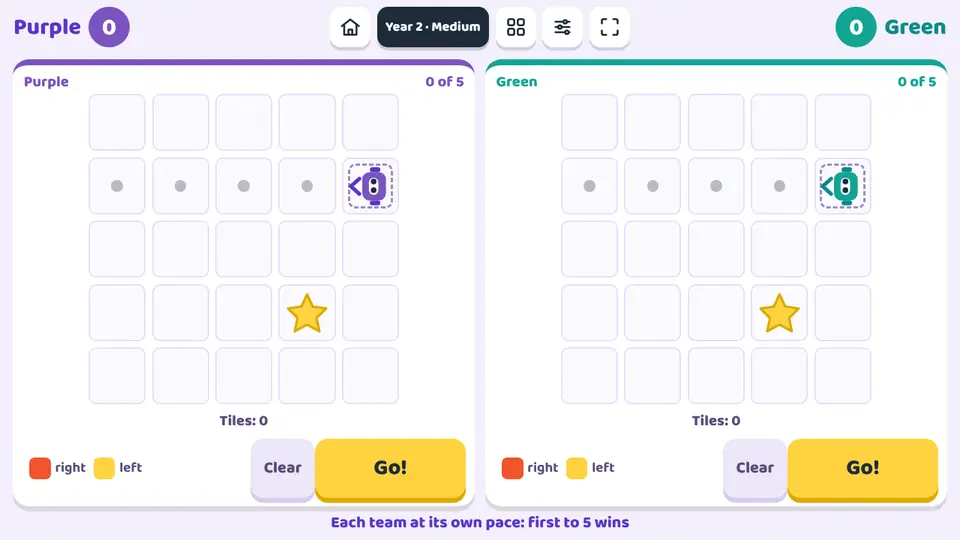 The colour robotIn The colour robot, the robot drives forward on its own and only understands colours: a red tile turns it right and a yellow tile turns it left.
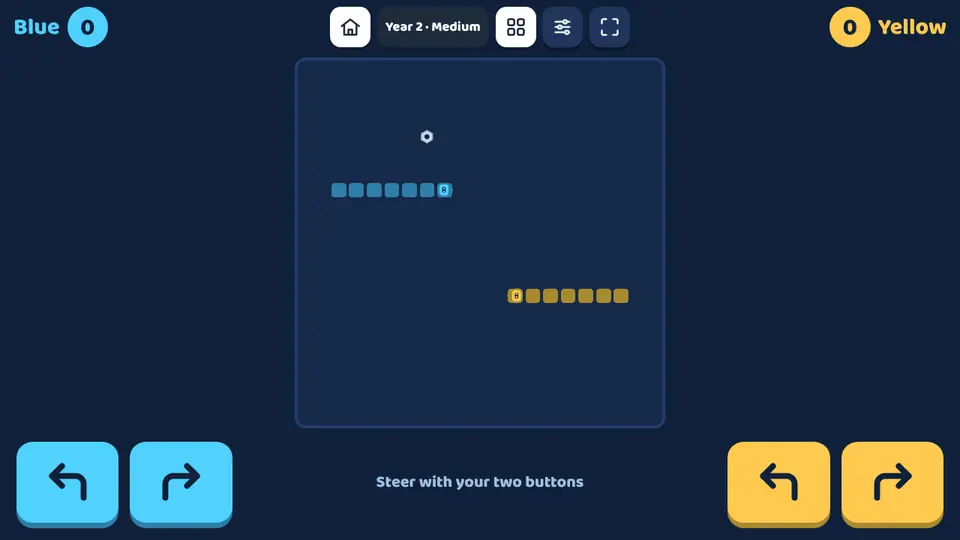 Robot snakeIn Robot snake, both robots keep moving across the same grid and leave a trail behind them.
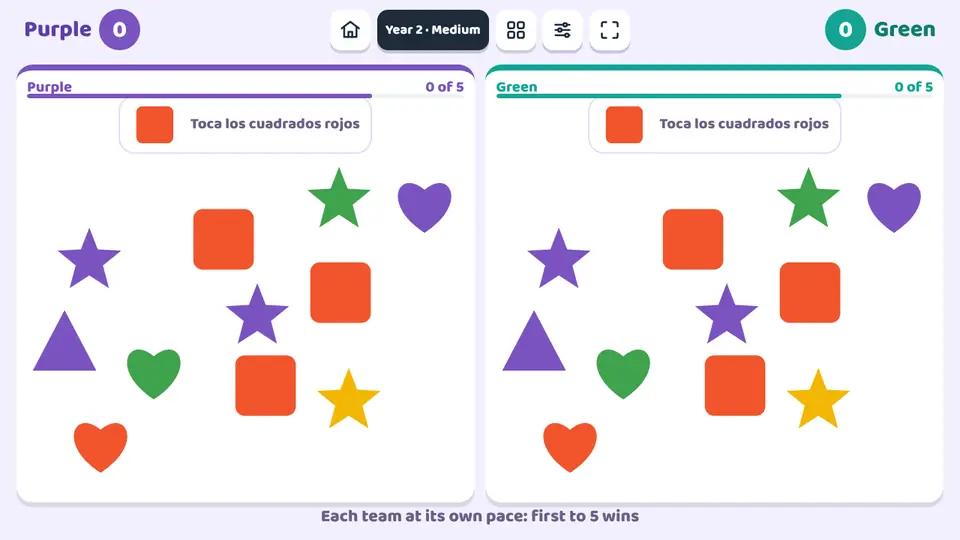 Shape and colour huntShape and colour hunt is a visual discrimination game for the interactive whiteboard or a tablet.
 The cupsThe cups is a sliding puzzle for the interactive whiteboard or a tablet.
The lost robot
Play now